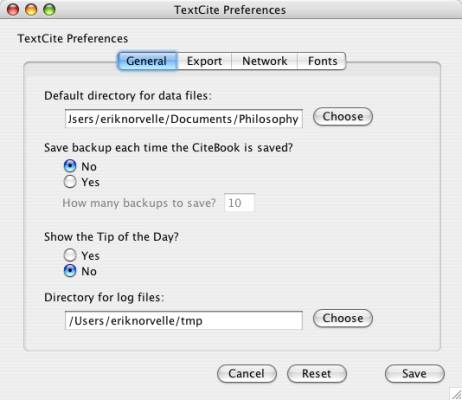
General preferences tab
General preferences tab
Specify the default directory for saving CiteBook files: where you do want to save your files? You can indicate your data directory here so that you don't have to navigate to it every time you open a file.
Make backups? TextCite can create a backup each time you save a CiteBook file. Mark yes here, and indicate the number of backups you want to maintain.
Show the tip of the day? Once you have seen all of the tips, you may want to be able to start TextCite without seeing the Tip dialog. Here you can control whether this dialog appears or not.
Log file directory: specify where you want program logs to be stored; the default is your user home directory.