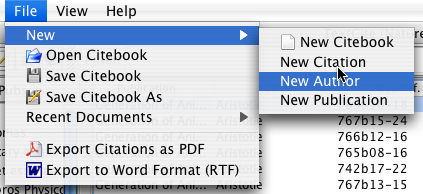
Create a new author from the menu bar
You can create a new author record from the main window, by clicking on the "File | New | New Author" menu.
Create a new author from the menu bar
Once you select this menu option, the author creation dialog will appear:
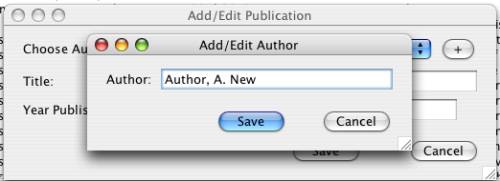
Dialog for adding an author
Enter the name of the author (typically with his or her last name(s) first), following by first and middle name(s). When you click "Save", the new author will appear in the list of authors and publications.