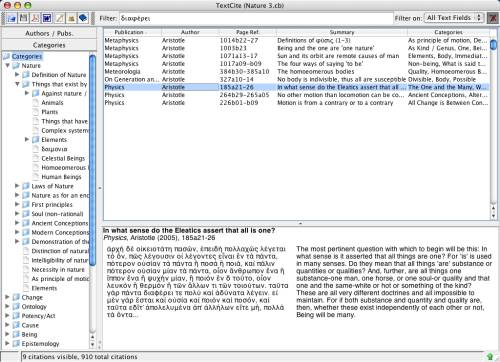
Citations filtered by a keyword
The filter bar is found in the top right of the main window, above the citation table view. It is used to limit the citations visible in the table, above and beyond any filter applied by having clicked on an author, publication or category.
Citations filtered by a keyword
Note that in order to apply a filter, you have to press the Filter button, at the far right hand side of the filter bar (marked with an image of a funnel); upon pressing this button, the filter will be applied, and on pressing it a second time, the filter will be removed, allowing the original list of citations to be visible.
The filter bar offers various ways to apply filters. By default, the keywords entered in the filter field will be searched for in all the textual fields of the citation: text, translation, commentary and summary. You can also filter by author and publication, or by a single textual field of the citation, by selecting the corresponding option from the "Filter On" menu.
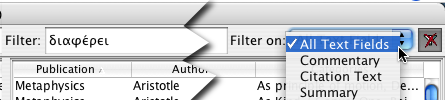
Example of an all-field filter
On the other hand, if you want to search by the contents of a single citation field (for instance, if you want to search only your own commentary on the texts) you can choose a type of limited filter:
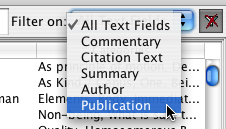
Types of filters available