Filter by author
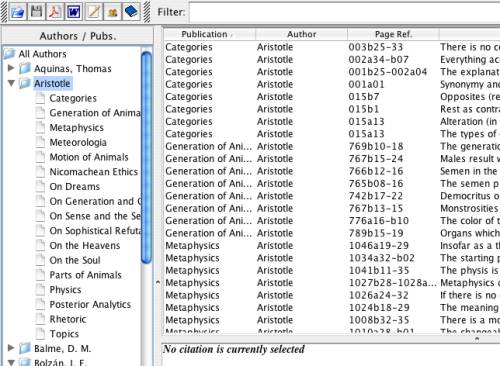
By using the Outlook Bar at the left of the main screen, you can easily filter your citations according to the criteria of author, publication and category. The image below gives an example of this technique:
Filter by author
When you click on an author entry in the tree on the left, the table of citations will be filtered to only show those citations belonging to that author, eliminating all others from the view. All of the citations in all of the books by that author will be shown.
Filter by publication
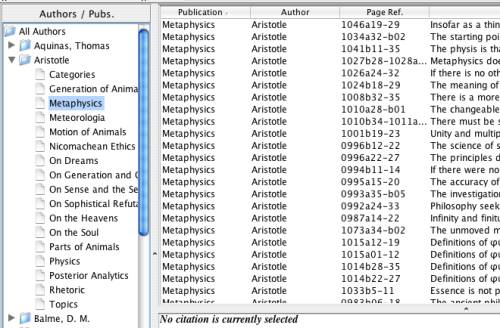
By clicking on a publication entry, you will filter all the citations so as to show only those which are from the selected publication.
Filter by category
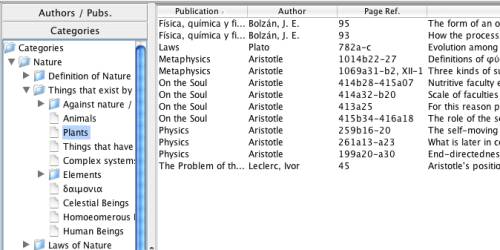
Similarly, by clicking on a category within the Category Tree (having revealed this tree, as explained in the Outlook bar) all the citations which correspond to that category and its subcategories will be shown. (See also the explanation about categorization [Link target "categorización" not found].)