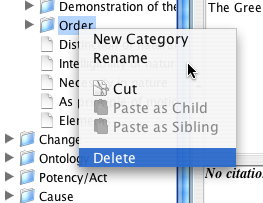
Delete a category.
In order to eliminate a category from the tree, you need only to right-click on the category you want to eliminate, choose the "Delete" option, and respond affirmatively to the confirmation dialog. Note that the citations that were associated with the deleted category will not be eliminated, they will merely be disassociated from the deleted category.
Delete a category.
To change the position of a category in the tree, you must use the "Cut" and "Paste" options.
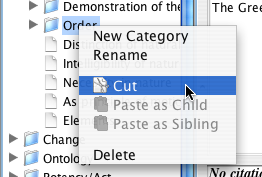
Cut a category
When you cut a category, it will disappear from the tree, but it will be saved in the "clipboard" until you paste it into another position in the tree, or until you exit TextCite. Note that if you choose to exit TextCite with categories still on the clipboard, you will be asked to confirm the data loss, since the categories will then be permanently eliminated from the file.
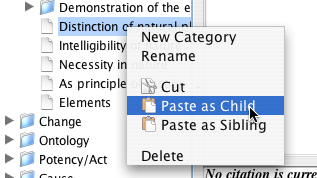
Paste a category as a child of another.
There are two ways to paste a category: as a "child" (i.e. as a subordinate of the selected category) or as a "sibling" (i.e. at the same tree level as the selected category). These options permit you to organize the category tree according to your preferences. All the citations assigned to the category that has been moved will automatically be associated with the category in its new position in the tree.