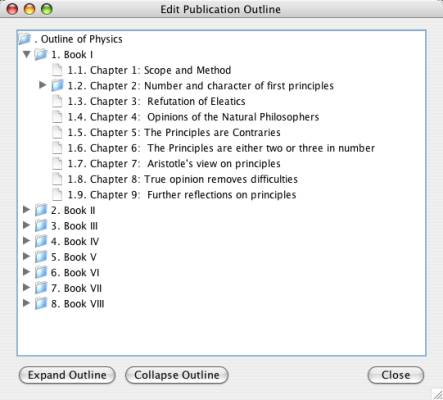
A publication outline
TextCite can maintain, for each publication you have registered, an outline of its structure. You can associate your citation records with places in this outline, in order to situate the citation in the context of the contents of the entire publication.
A publication outline
To access the publication outline, select the publication inn the list of authors and publications in the main window, and right click on the name of the publication:
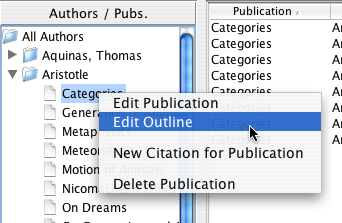
Edit a book outline
Once outline editor opens, you can create new entries in an empty outline by right-clicking on the root of the outline, and selecting "Add as Child".
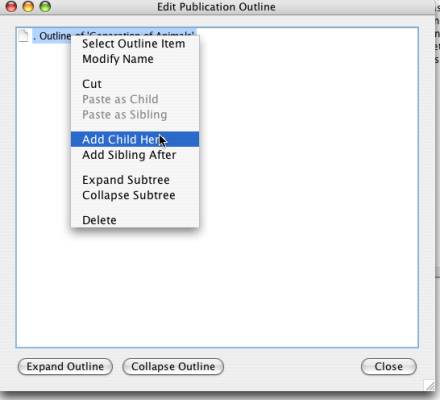
Add a new entry to an outline
A dialog will open where you will be able to entry the name of the new outline node. It is recommended that you not include the number of the chapter or section, because the outline will be automatically numbered.
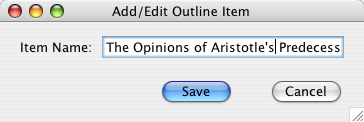
Assign a name to the new outline node
Once you have an outline created, you can reorganize it with the same method that works with categories: copy and past. See the page on mover quitar for more information on reorganizing trees.
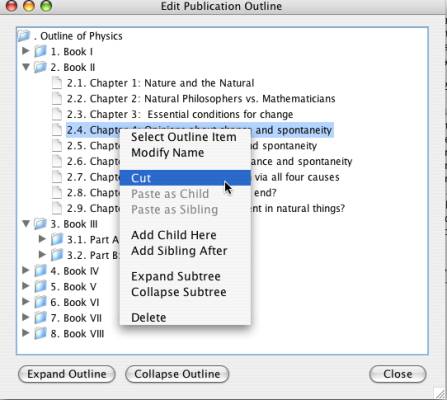
The menu for modifying an outline