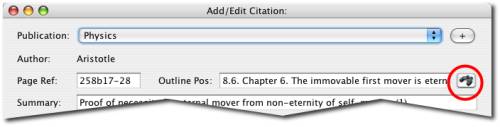
The button for assigning an outline node to a citation
In order to use an outline that you have created for a publication, you can assign a place in the outline to each citation record for that publication. To assign a site in the outline to a citation, click on the button with an image of binoculars, at the right side of the "virtual notecard" screen:
The button for assigning an outline node to a citation
When you click this button, the outline window will open. Here you can find the place in the outline that you want to assign the citation to. You can assign the outline node by double-clicking on it, or by right-clicking and choosing "Select".
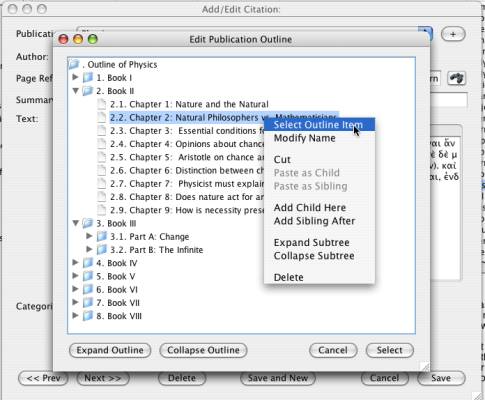
Assign an outline node to a citation record.
Currently, the only use for publication outlines is for organizing your citations on exporting them to RTF format. You can request that the RTF export order the citations according to their outline locations, in order to have the citations and commentaries be organized in the same order as they are found in the publication. For more information, see Export to RTF.