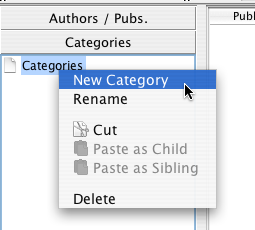
Adding a new category to an empty tree
In order to add a new category to the Category Tree, select the category that will be its parent, i.e. the category that will be directly above the one you want to create, and right click:
Adding a new category to an empty tree
In the graphic, the category tree is empty; the category named "Categories" will be the parent of the first level of new categories you create.
When you execute the "New Category" function, a dialog box will appear, allowing you to introduce the name of the new category:
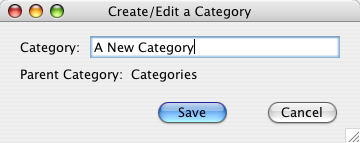
Dialog for adding a category
When you choose "Save", the new category will appear in the tree:
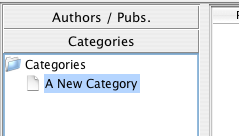
The tree after adding a new category
This ability to add new categories is also available from the window for assigning categories to a citation:
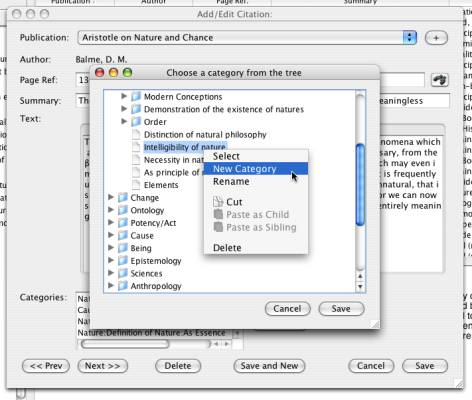
Add a category when assigning categories to a citation record