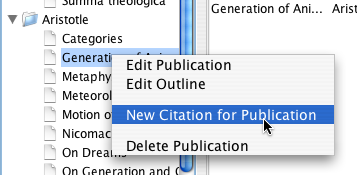
Create a new citation record for a publication
To create a new "virtual notecard", the easier way is to select the publication in the list of authors and publications of the main screen, right-click, and select "New Citation for Publication":
Create a new citation record for a publication
You can also create a new citation record from the main menu; you will then have to specify the publication by choosing it from the dropdown list of available publications in the Edit Citation window:
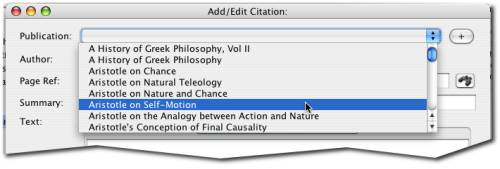
Select the publication for an empty citation record